 Free Watt tool
Open a .docx. Edit it. Save a real .docx.
WordWatt is a lightweight browser word processor for real Word files. Create or open a document, format text, insert tables and images, use saved templates and headers, then save back to .docx or print to PDF.
What it does
WordWatt in one screen.
- Open and save real .docx files.
- Common text and paragraph formatting.
- Tables, pictures, links and page breaks.
- Headers, footers and reusable templates.
- Print or save as PDF.
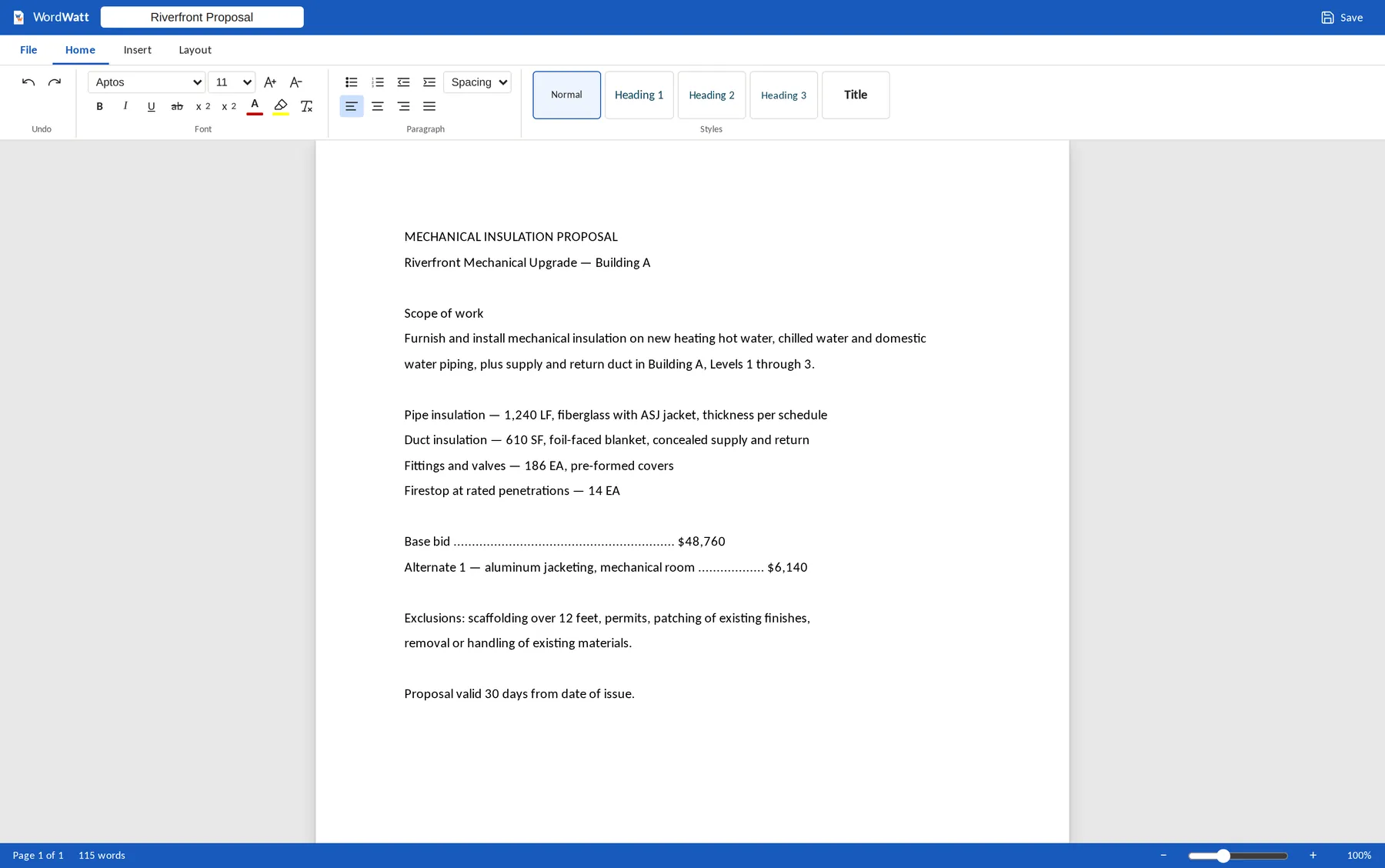
A real screen from the tool, with a sample file
Free · no account
Open WordWatt and get on with it.
It is free because it should be. If you want the connected platform behind it — estimating, bidding, jobs, field and time on one project — start with the platform overview.